
Overwatch 2's 'Different Version' Error: A Tale of Friendship and Forced Updates
Fix the Overwatch 2 'Player is in a different version' error by updating the outdated game on PC, PlayStation, Xbox, or Switch.
I love my friends. I really do. But there's a special kind of frustration that only arises when you've had a long day, you're finally ready to unwind with some Overwatch 2, and the game hits you with: “Player is in a different version.” It's like inviting everyone to a costume party and one person shows up in a scuba suit from 1987 — technically dressed up, but completely out of sync with the rest of us. 😅
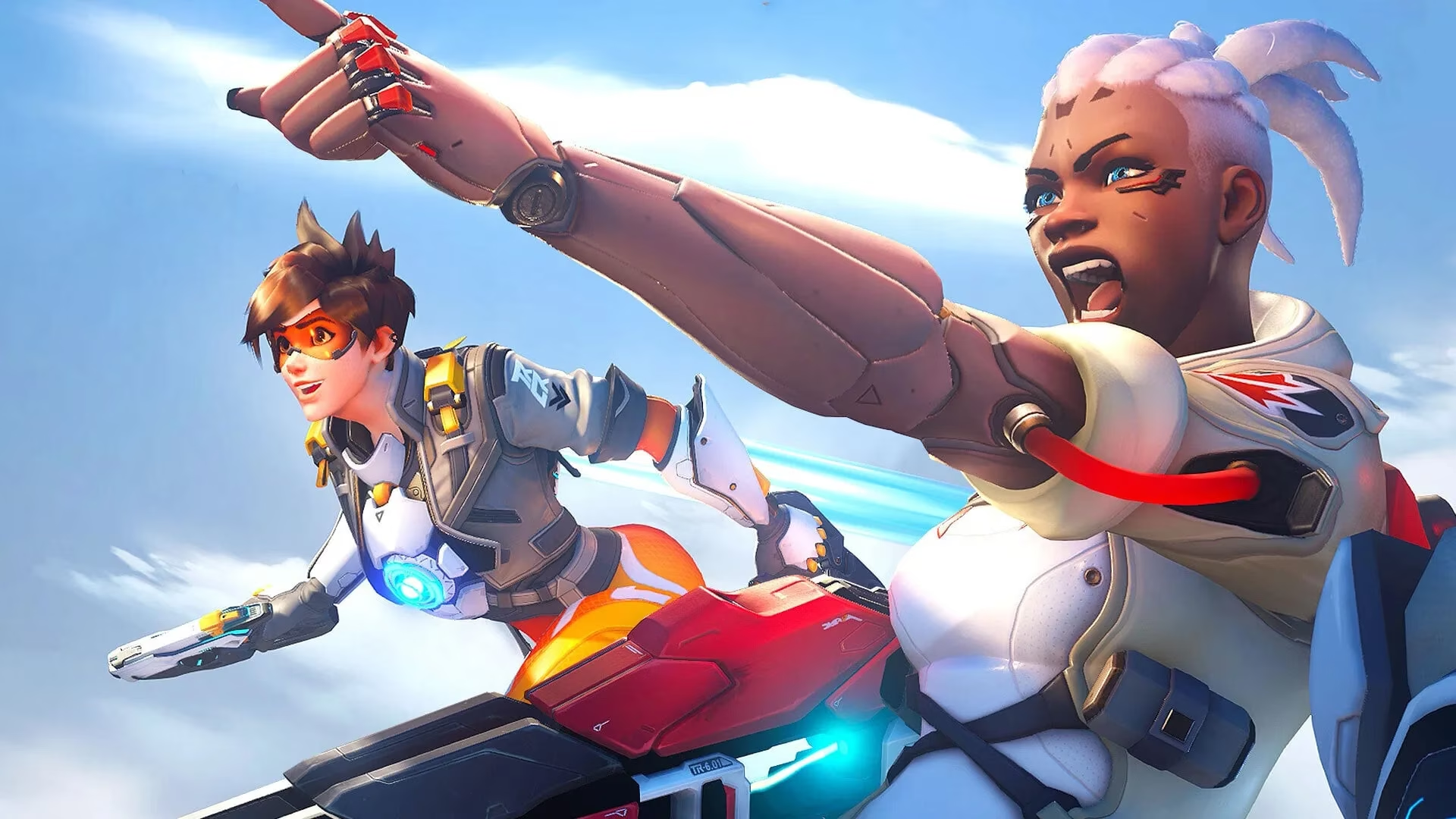
This error has been haunting lobbies since the game launched, and apparently, it's still a thing in 2026. You can see your friend online, you send an invite, and boom — the game slams the door in your face. The first time it happened, I spent a solid twenty minutes checking my internet, restarting my router, and even muttering incantations at my monitor. Turns out, the fix was simpler than trying to explain a meme to my grandma.
The culprit? Someone in your party hasn't updated their game. That's it. No arcane network settings, no sacrifice to the gaming gods. Just a good old-fashioned version mismatch. It's like trying to pair a Bluetooth speaker with a toaster — they're both appliances, but they're speaking different languages.
So, how do you fix it? The person who's lagging behind needs to update Overwatch 2. Here's a quick cheat sheet for each platform, because I'm a helpful gamer and I've been there:
| Platform | How to update |
|---|---|
| PC (Battle.net) | Click the gear icon next to the Start button for Overwatch 2, then check for updates. |
| PlayStation | Highlight the game tile, press Start, and select “Check for Updates.” |
| Xbox | Go to My Games & Apps → Manage → Updates. If it's empty, refresh the page. |
| Nintendo Switch | Press Start on the Overwatch 2 tile, then choose “Update via the Internet.” |
Once the update finishes, your friend needs to restart the game. And if the error still lingers like a bad smell, restart your own game too — just to be safe. Trust me, it's faster than trying to debug why your cat keeps walking across your keyboard.
I remember one time my friend insisted his game was updated. “I just turned it on!” he said. Turns out, he had auto-updates disabled and hadn't actually closed the game in three days. It was like a pizza delivery guy using a GPS from 2005 — he was technically on the way, but hopelessly lost. We eventually got him sorted, and we only lost one match to the chaos. Worth it.
Now, I know what you're thinking: “Why doesn't the game just handle this automatically?” Good question. I've asked it myself, usually while staring at a loading screen. But until Blizzard invents a magic update fairy, we're stuck with this little ritual. The good news is that it's a one-minute fix, and then you can get back to arguing over who gets to play support.
So next time you see that error, don't panic. Don't start diagnosing your router. Just ask your friend the magic question: “Did you update?” And if they say yes, ask them to restart anyway. It's the gaming equivalent of turning it off and on again — ancient wisdom that still works in 2026.
Now go forth, update your games, and may your lobbies be ever in sync. 🎮✨